

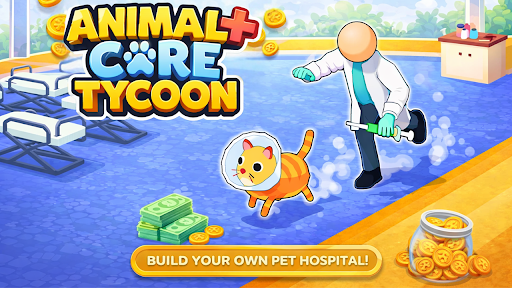
Resources
1 optionSet clinic cash and spend it on available treatment beds and floor expansion.
View resources →Carry animals to treatment beds, bring them the care they need, and collect the clinic’s earnings. Extra cash helps you build more beds and open floor space as your animal hospital grows.
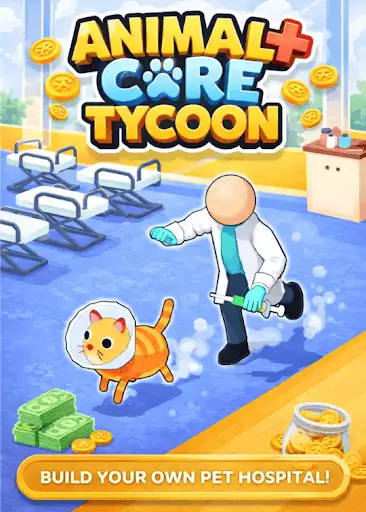
The Resources category lets you choose your clinic’s cash balance. Spend it on the purchase pads that appear as you follow the game’s guidance.
Open Animal Care Tycoon in YouTube Playables with Bytonian Mods connected, then open Resources and set your cash amount. Return to the clinic and use its normal purchase pads. Continue the tutorial when a pad is still locked.
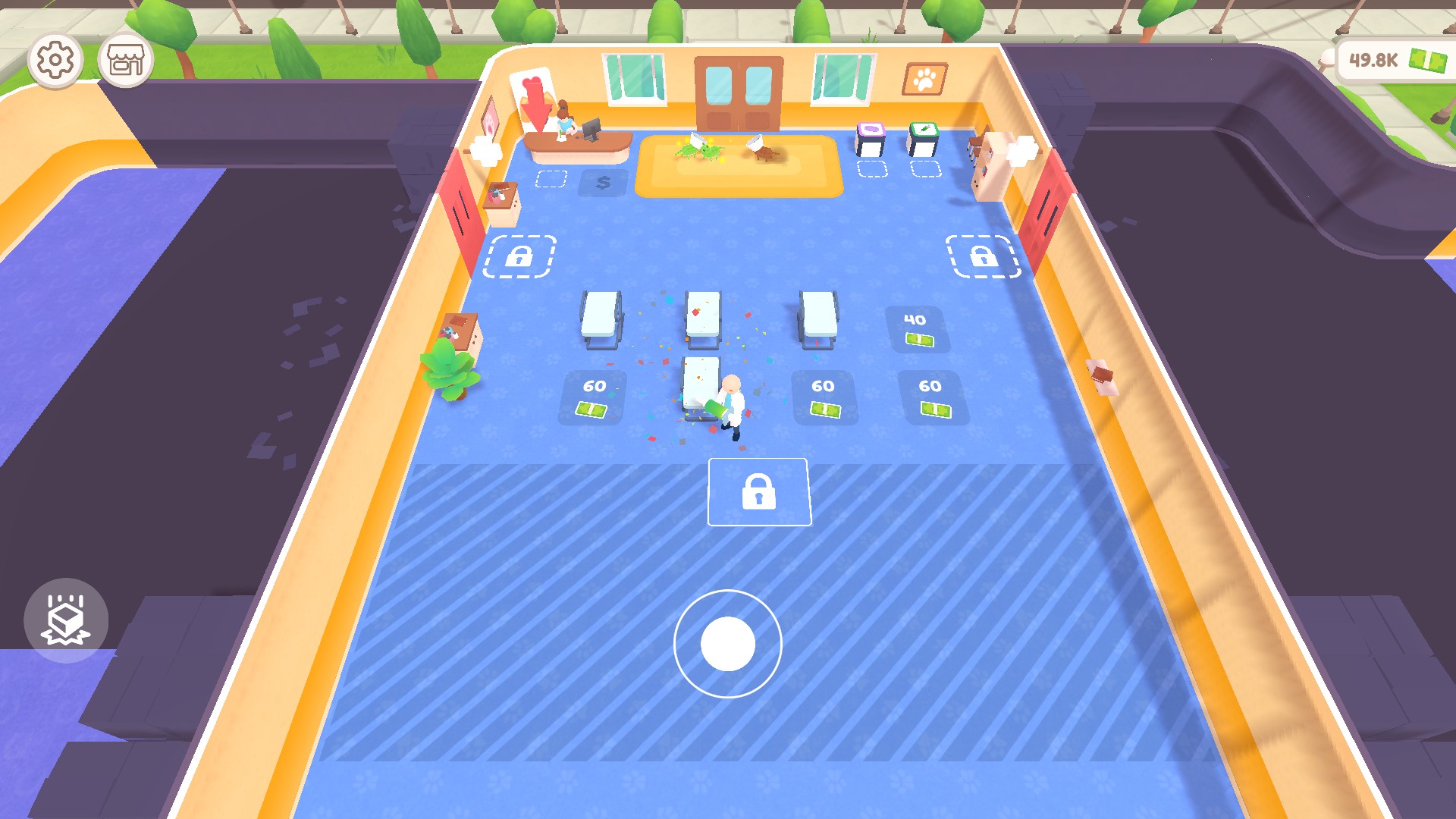
Build a larger animal clinic
Add treatment beds and open more floor space while caring for the animals arriving at your clinic.
Set clinic cash and spend it on available treatment beds and floor expansion.
View resources →Download the Windows app and follow the setup prompts.
Set up the browser extension in Chrome or Edge, then open the supported YouTube Playable. Follow the connection guide if the game is already running.
Review the available options in the app and choose the ones that suit how you play.