

Presentation Mods
Switch on Brighter Tutorial Backdrop when the tutorial darkens the scene. You can see more of the Base around the prompt and turn the option off whenever you want the original dimming back.
Works with the Steam version of the game.

Available presentation modifiers
Brighter Tutorial BackdropFree
See more of the scene behind tutorial prompts by lightening their dark backdrop.
Switch on Brighter Tutorial Backdrop during a tutorial prompt. Switch it off to restore the original dimming.
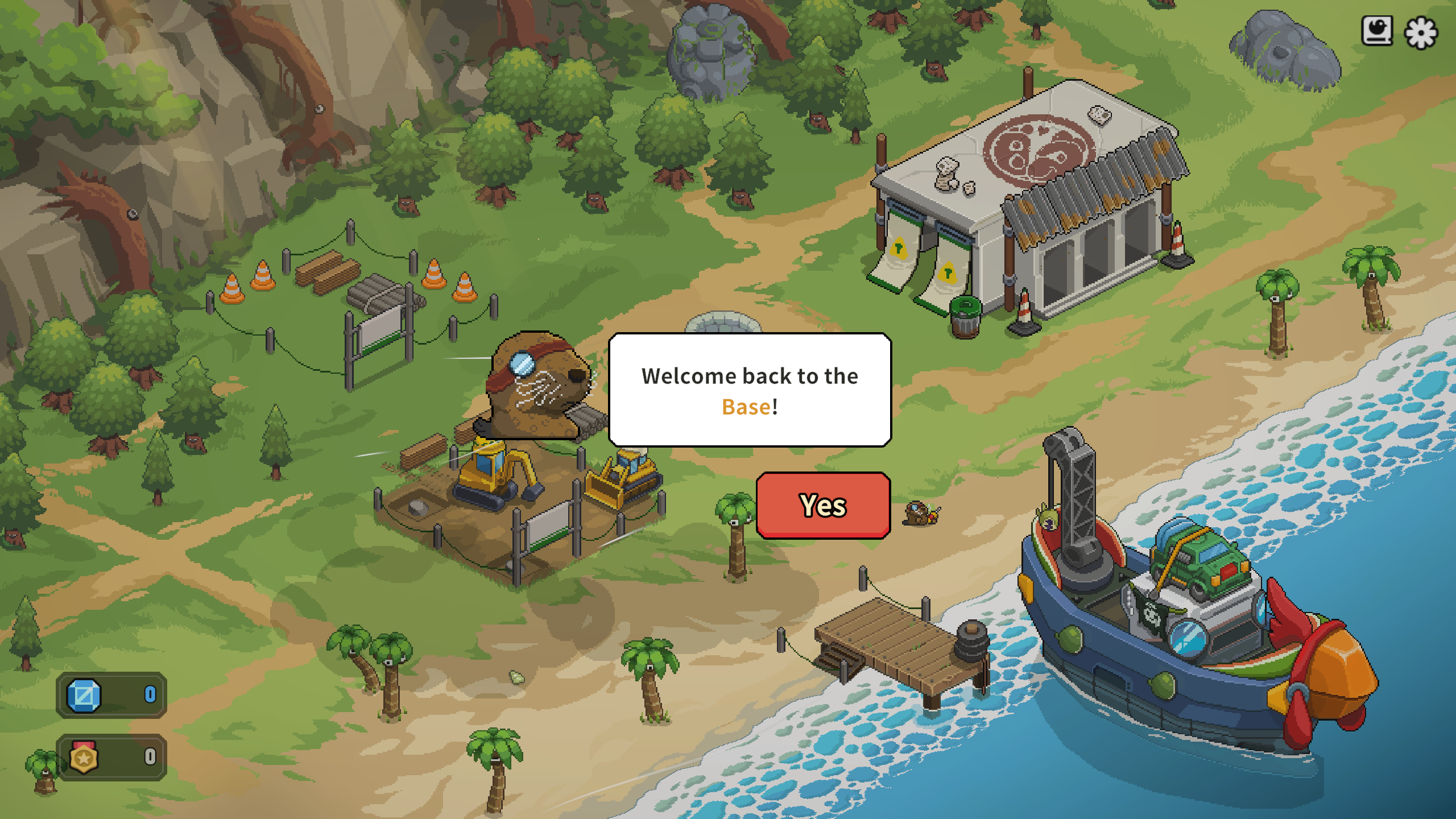
A clearer view of the Base tutorial
Lighten the dark tutorial backdrop so you can see the Base and its surroundings while you read the prompt.
Using these features
Choose the feature in the Windows app after connecting your game. Check its requirements before making a change.
Setup for All Army Attack Demo →