

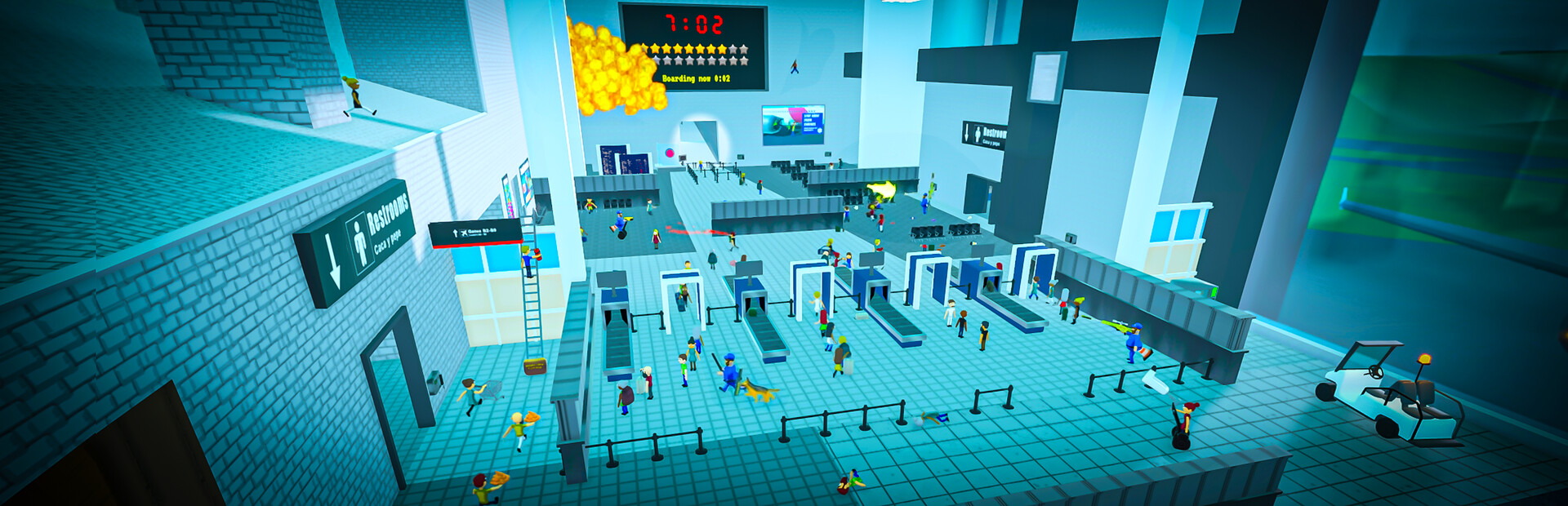
Explore with local-player flight
Fly moves your own character above the usual route and through scenery. The Premium toggle follows your viewing direction and offers configurable controls and two flight speeds.
Review the controls
Check the direction, up, down and faster-flight bindings in the app before enabling Fly. Return to a clear landing spot before disabling it. This controls your character; it does not grant movement controls over other players.
Available ability modifiers
FlyPremium
Fly your own character through the environment with adjustable normal and fast speeds.
Check the configured movement keys, then enable Fly.
Before you use it: Targets your own player. Return to a clear landing spot before disabling Fly.
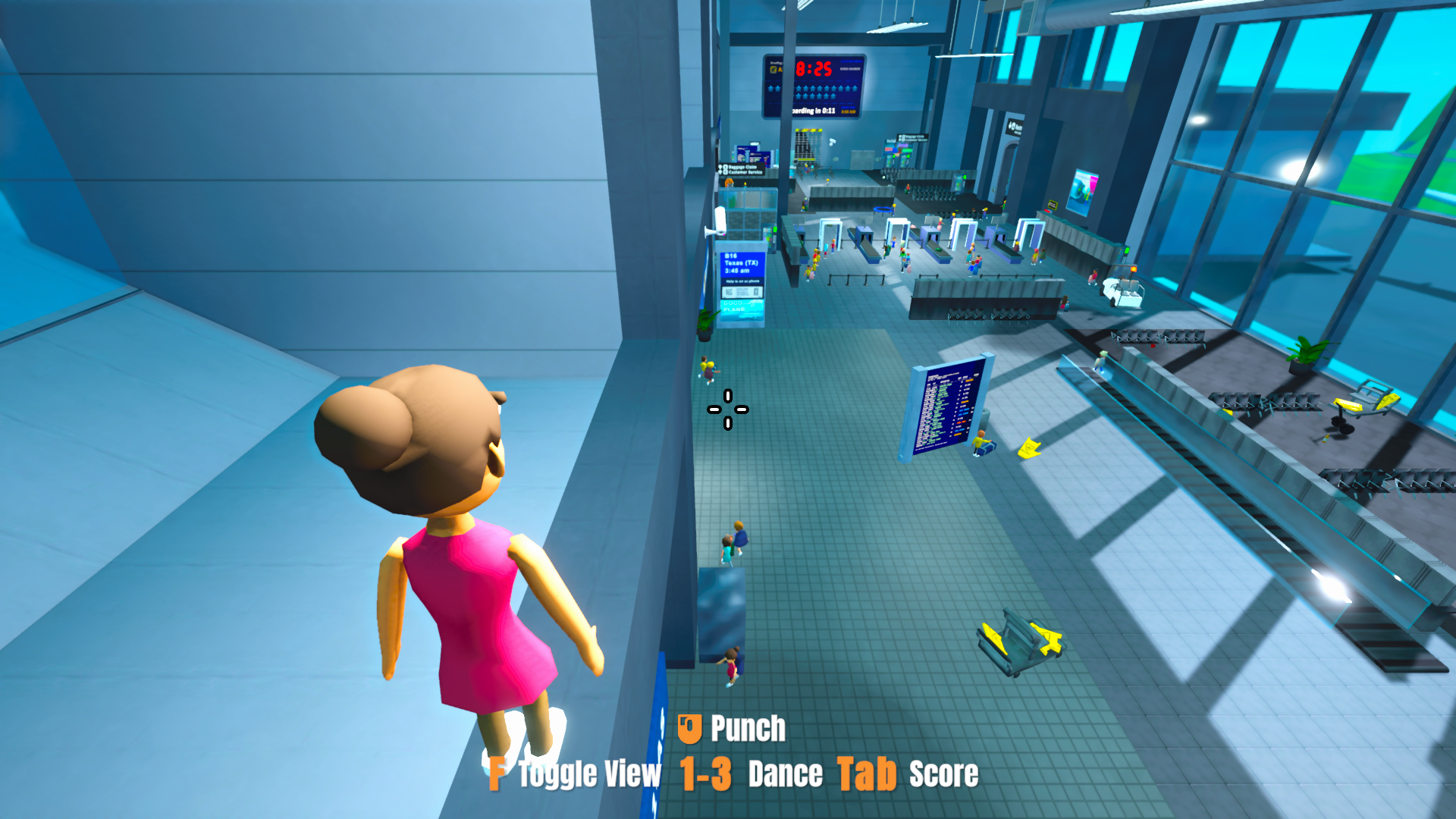
See the terminal from above
Use Fly to rise above the airport floor and explore the terminal from a different angle.
More ways to customise Airport Security Sucks!
- Airport Security Sucks! resources
Adjust your player's money for purchases.
Using these features
Choose the feature in the Windows app after connecting your game. Check its requirements before making a change.
Setup for Airport Security Sucks! →