


Resources
2 optionsSeparate balances for purchases and perks.
View resources →Aeterna Noctis combines combat and exploration with demanding platforming. These Windows options let you adjust resources, extend your movement or change how damage affects the King as you work through its challenges.

Explore Aeterna Noctis
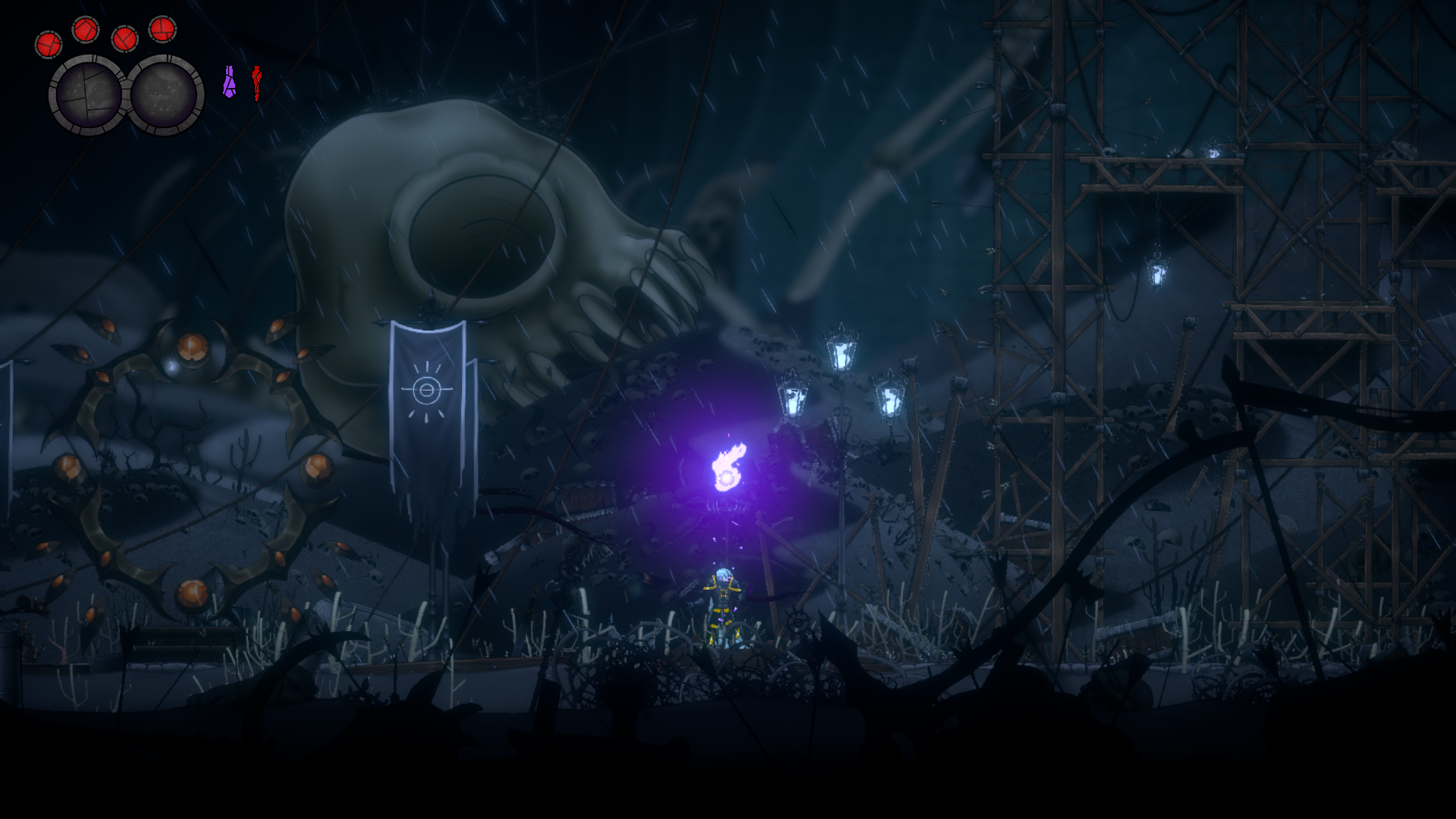
The King beside a giant skull and towering wooden platforms.
Resources contains Coins and Skill Points. Rule Modifiers brings together free infinite jumps and Premium health or damage controls. Ability Modifiers contains Premium Fly for direct movement through the environment.
Install Bytonian Mods, open Aeterna Noctis and select it in the Windows app. Follow the connection prompts, load your game and review the relevant option before enabling it.
Separate balances for purchases and perks.
View resources →Repeated jumps, health refill and damage prevention are separate toggles.
View rule modifiers →Adjustable two-dimensional flight for exploration.
View ability modifiers →Browse the Steam achievement names and descriptions for Aeterna Noctis. Choose and unlock achievements for free with Bytonian Mods in the Windows app.
View all achievements →Download the Windows app and follow the setup prompts.
Open Aeterna Noctis and select it in Bytonian Mods. Follow the app’s connection prompts.
Review the available options in the app and choose the ones that suit how you play.