


Choose Your Gem Balance
Enter the gems you want available, apply the balance and open the Skin shop from the home screen.
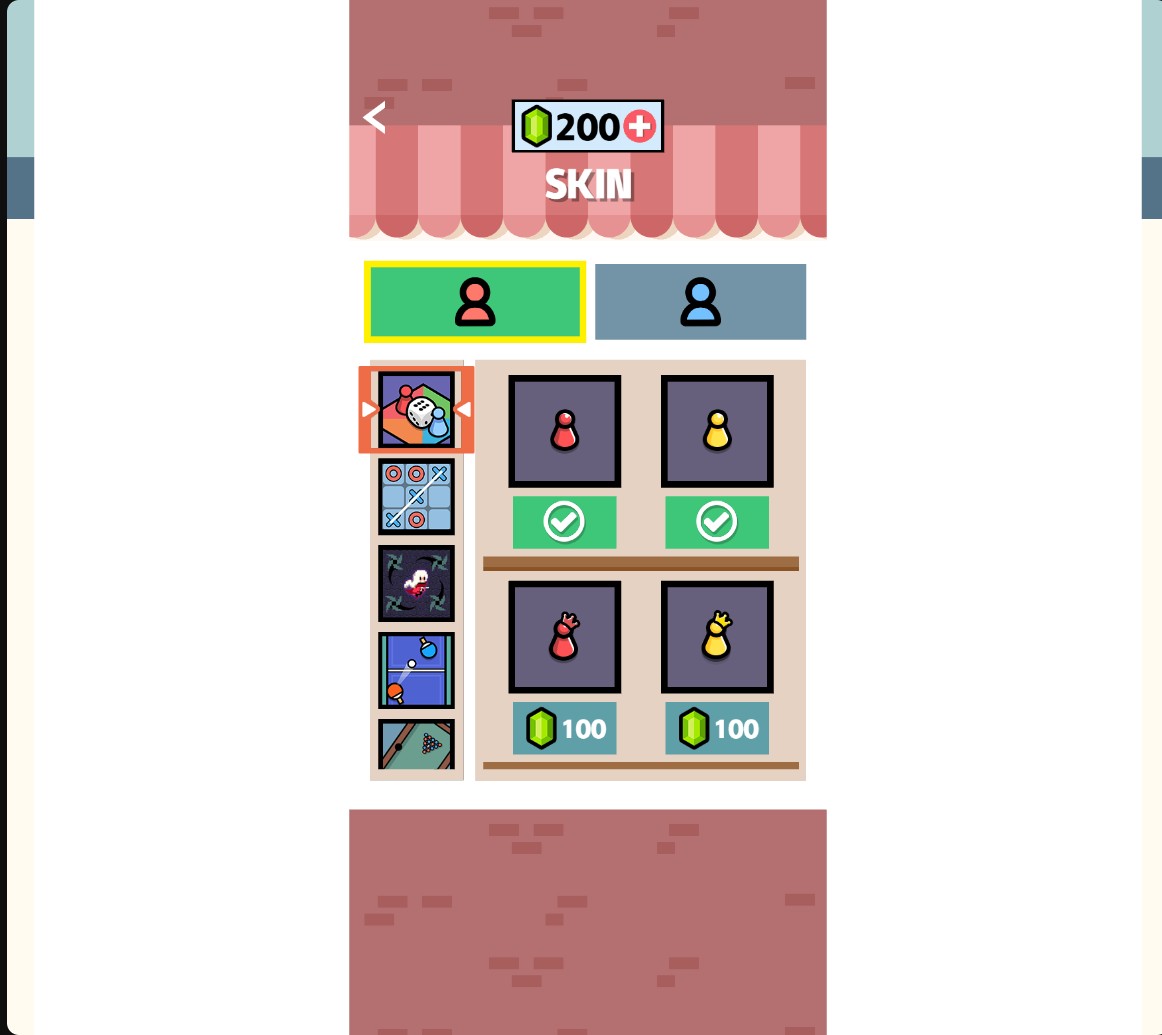
Gems for the Skin shop
Set your gem balance and choose new looks from the Skin shop.
Buy and Equip a Skin
Check the gem price beneath a piece, buy it and select Use. The shop marks an equipped choice with a green checkmark. Purchases spend gems from your balance.
Available customise
GemsFree
Choose the gems available for Skin shop purchases.
Enter an amount and apply it. Open the Skin shop, buy a cosmetic piece and select Use to equip it.
Before you use it: Purchases still spend their listed gem cost.
Questions about customise
- Are purchases free after applying gems?
- Purchases still spend their listed gem cost. Set the balance you want, then choose what to buy.
Using these features
Choose the feature in the Windows app after connecting your game. Check its requirements before making a change.
Setup for 2 Player Battle →